Resolvido

Cabo para ligar o descodificador ao rádio

  • August 22, 2026
  • 9 respostas
  • 88 visualizações

Forum|alt.badge.img

Bom dia,

Procuro um cabo para ligar o meu descodificador Wi-Fi ao meu rádio AM/FM Tivoli Audio. A MEO pode facultar-me um? Caso contrário, por favor, informe-me onde posso encontrar um. Obrigado.

Solução por Rafa_UserFiberMEO

Hi Again ​@geoniel 

MEO does not provide these Cables and/or Converters, nor does it have them for sale in its Online or Physical Store. You will have to Buying in a third Store (Online or Physical) of Your Choice. 

9 respostas

Rafa_UserFiberMEO
Super User
Forum|alt.badge.img+24

Olá ​@geoniel 

Desculpe, Mas Não Entendi Bem o seu Pedido...

O seu Rádio, da Tivoli Audio, Premite Ligação a Internet (Através de Wi-Fi e/ou Ethernet) para Streaming de Música, e Deseja Fazer a Ligação ao seu Router da MEO, é Isso?

Não é Possível Configurar o Mesmo por Wi-Fi, sem Necessidade de Cabos? Configuarando Conforme Indicado pela Marca no Site da Mesma, ou Instruções Fornecidas?

O Rádio Dispõe de uma Porta Ethernet (RJ 45), que Premite Ligar um Cabo Ethernet até ao seu Router da MEO? Podendo Assim Ligar o Mesmo a Internet Via Cabo, e como Alternativa ao Wi-Fi?

Poderá Indicar Qual é o Modelo, para Verificar as Portas Disponíveis no Equipamento? E Qual Utilização é que Deseja ao Certo? 

De Qualquer Modo, Informo Desde Já, que a MEO não Faculta Cabos para Equipamentos dos Clientes. Mas posso Tentar Ajudar a Encontrar o Cabo que está a Procura para a Utilização que Deseja


Forum|alt.badge.img
  • Autor
  • Principiante
  • August 23, 2026

Bom dia,

Muito obrigado pela sua resposta. Disculpe, não conosco a terminologia em português. Posso continuar em inglês por favor.

I have a set-top box as well as a router from MEO. The router is connected with the set-top box by WiFi. The set-top box is connected to my television. I would like to connect my set-top box to my Tivoli Audio radio. I have a PDF of the interface but I do not know how to attach it to this message. My radio has got antenna cables but I do not think that it has an ethernet cable. If I could attach the illustration I would be able to show you. 

Here is a link to the instructions:

https://cdn.shopify.com/s/files/1/0375/4790/1059/files/M1_Manual.pdf?v=1596140418

One can see the interfaces in one of the pages.

Obrigado.


Rafa_UserFiberMEO
Super User
Forum|alt.badge.img+24

Hello Again ​@geoniel 

Want to listen to your MEOBox (set-top-box) and/or TV audio on your Radio, right? 

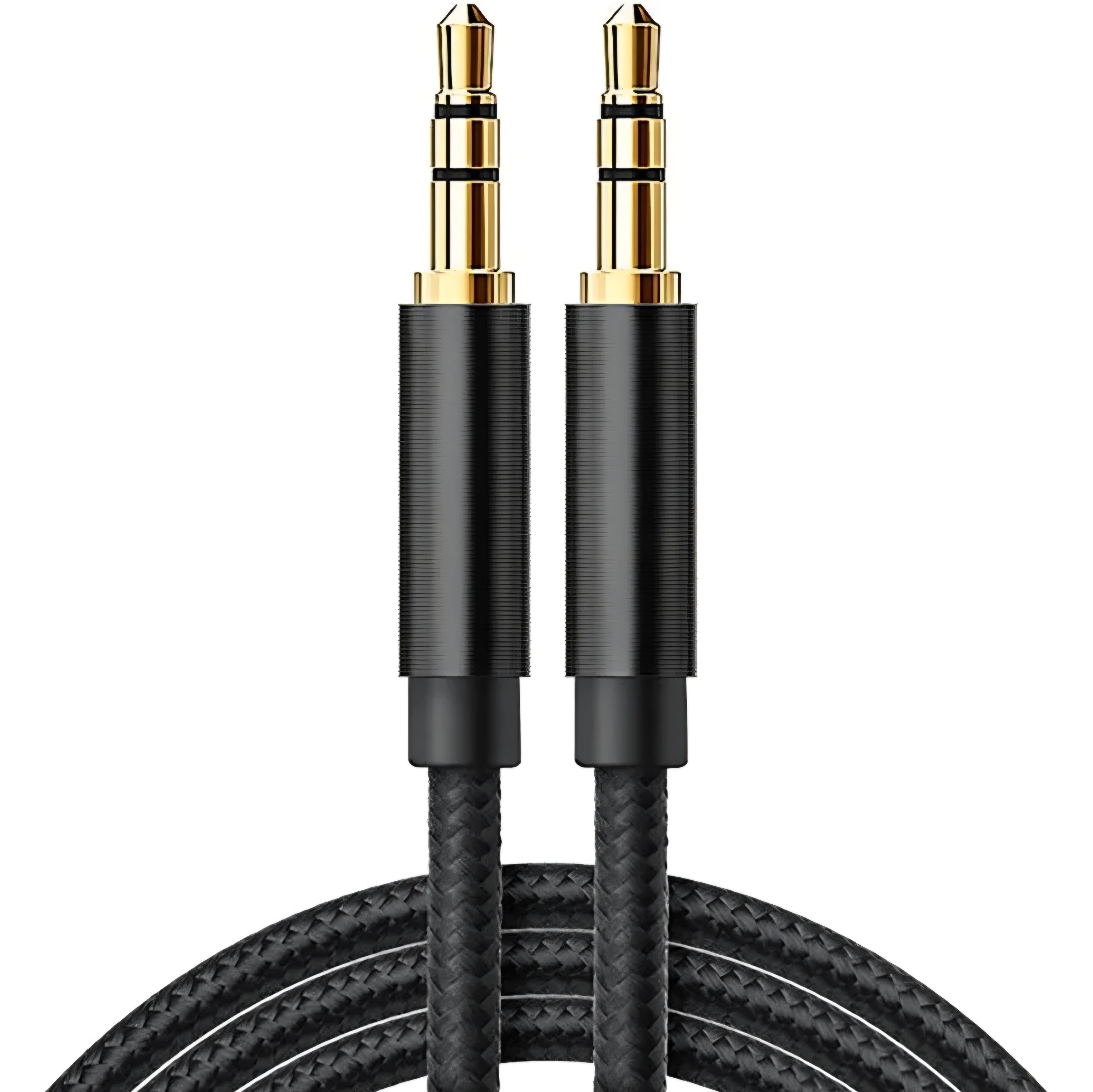
You can use an AUX Cable (3.5 mm), connected to your Radio at the "AUX IN" Door (N°6 in the Instructions) and an "AUX OUT"/"HEADFONE OUT"/"AUDIO OUT" (3.5mm) Door on your TV or MEOBox, Depending on the doors Available and Compatible in the Equipment

Can you indicate what is your MEOBox and TV, to check the doors available in these equipments? 


Forum|alt.badge.img
  • Autor
  • Principiante
  • August 23, 2026

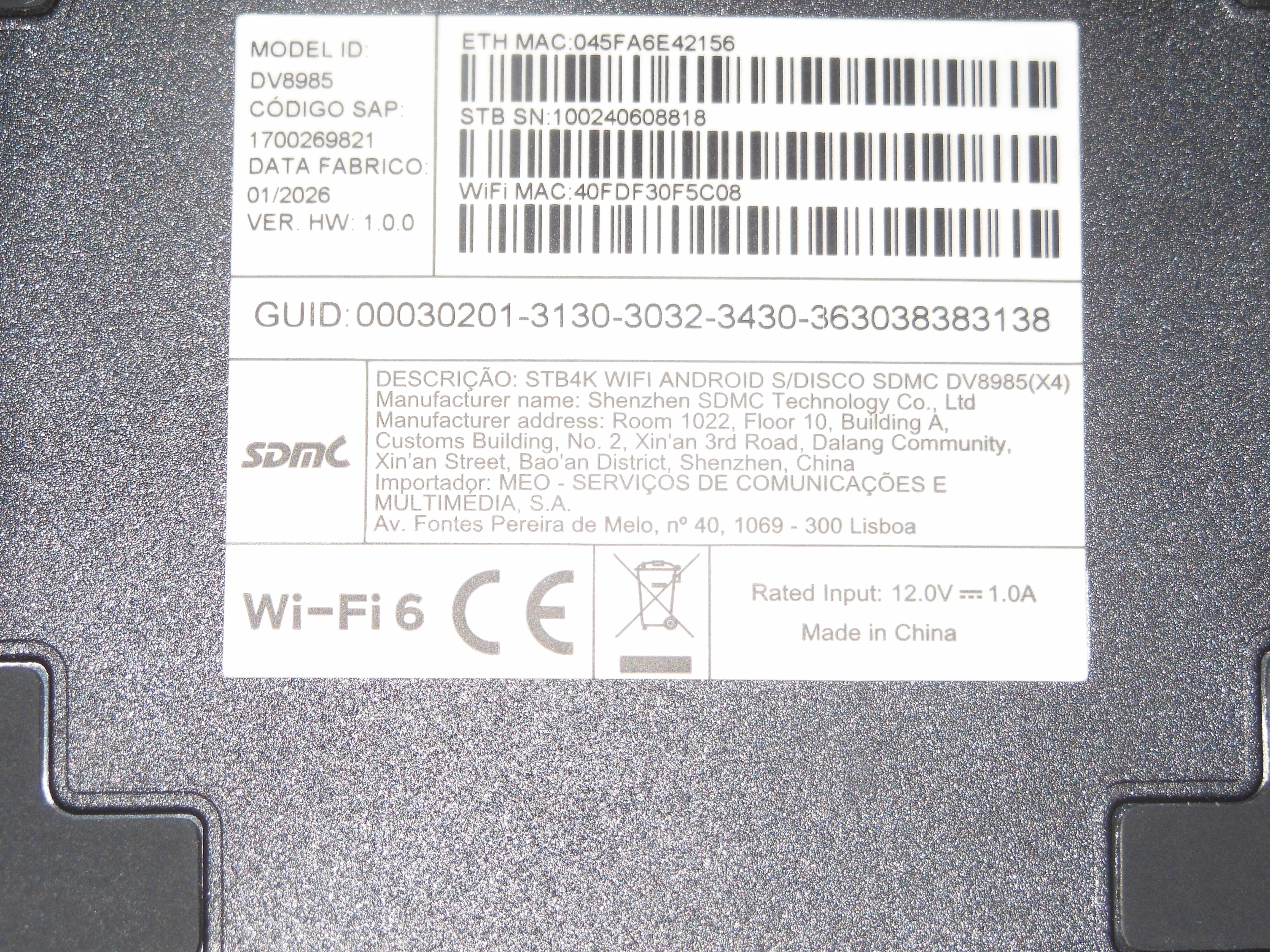
Thank you for your answer. My box is a WiFi 6 Model ID DV8985. I can photograph it if necessary.

Do you know what kind of cable I need and where I can find it? Thank you.


Rafa_UserFiberMEO
Super User
Forum|alt.badge.img+24

Hi Again ​@geoniel 

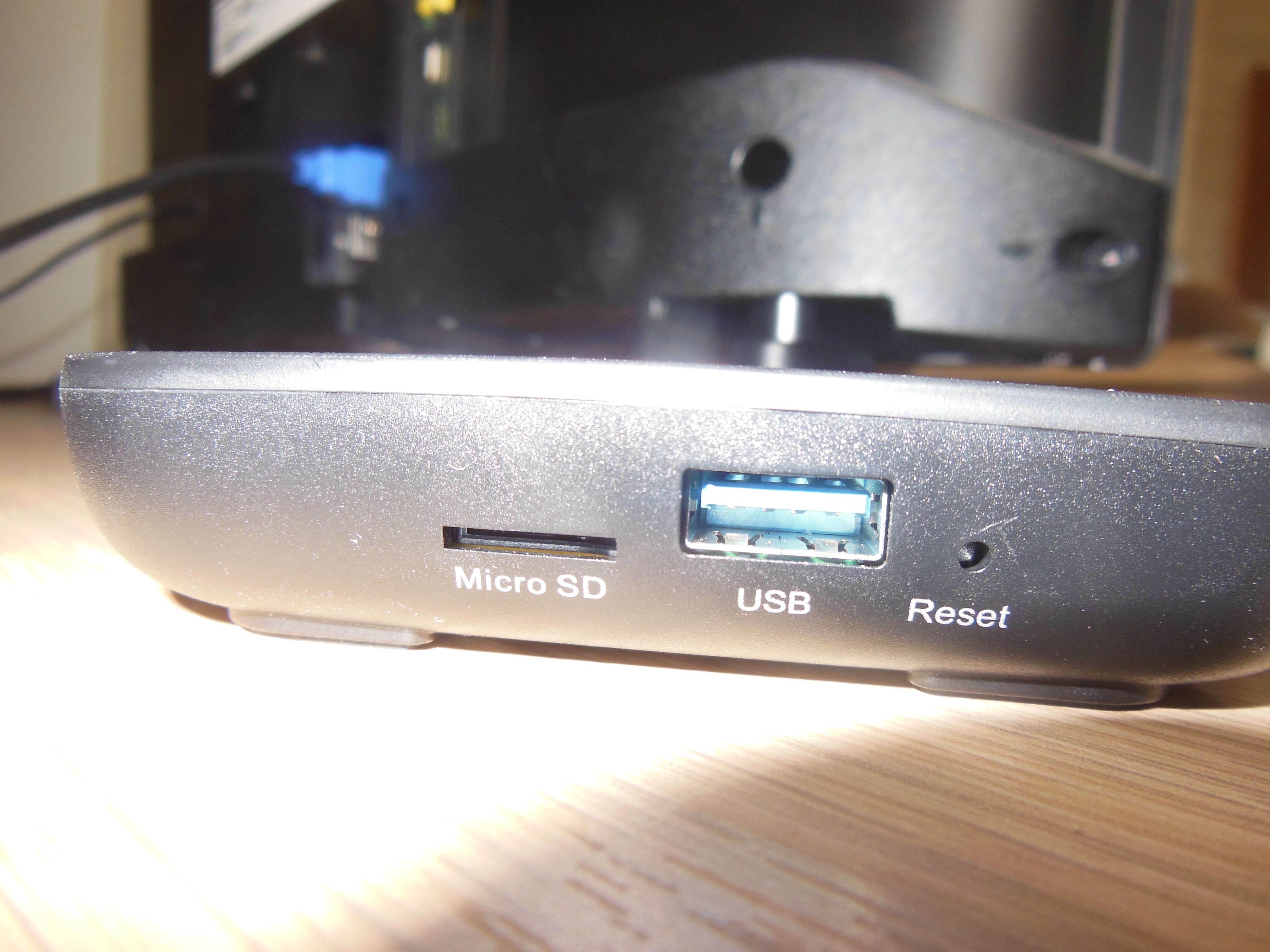
Can you check the available doors on the back of your MEOBox (DV8985)? If you prefer to photograph, you can help.

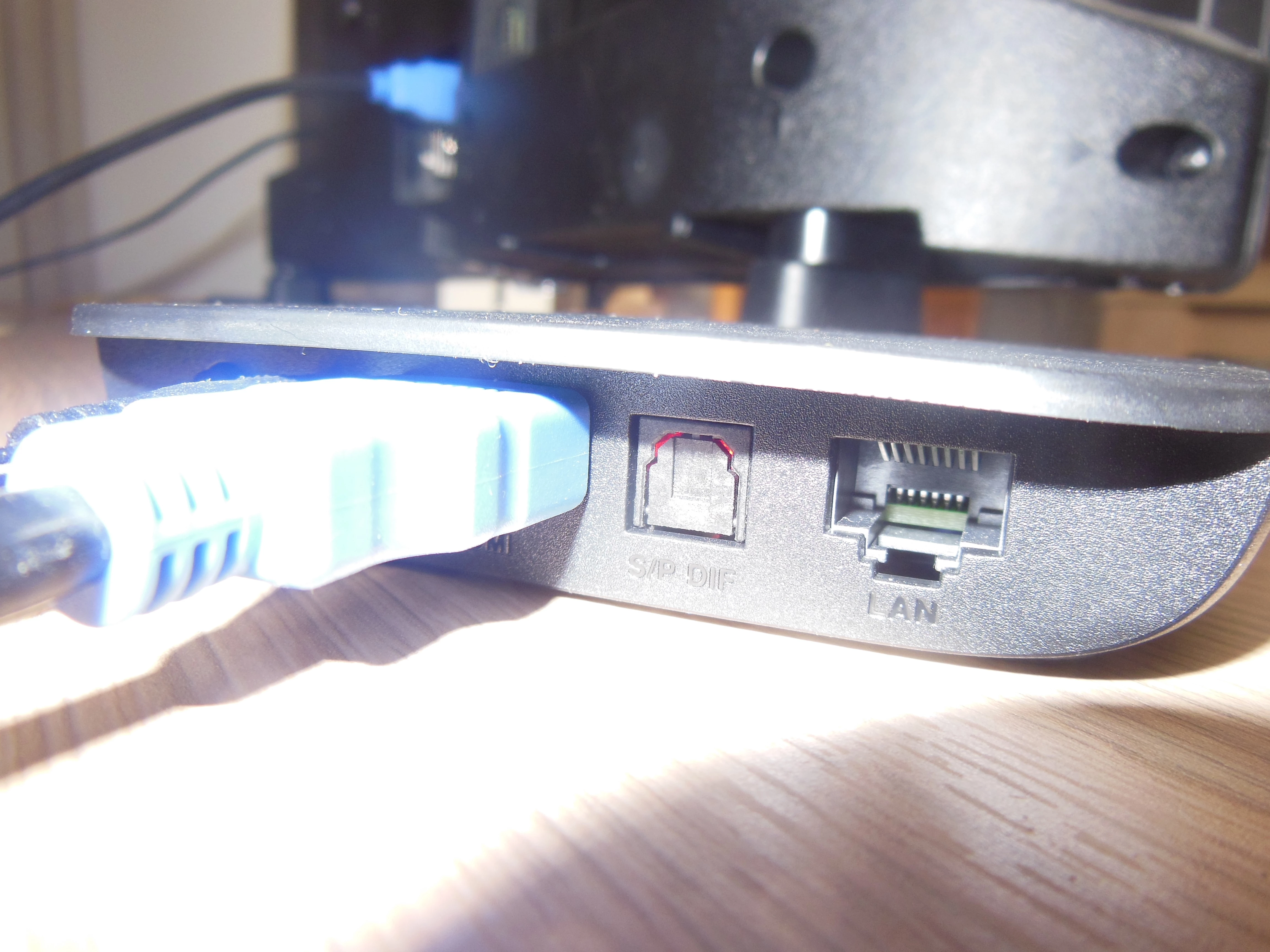
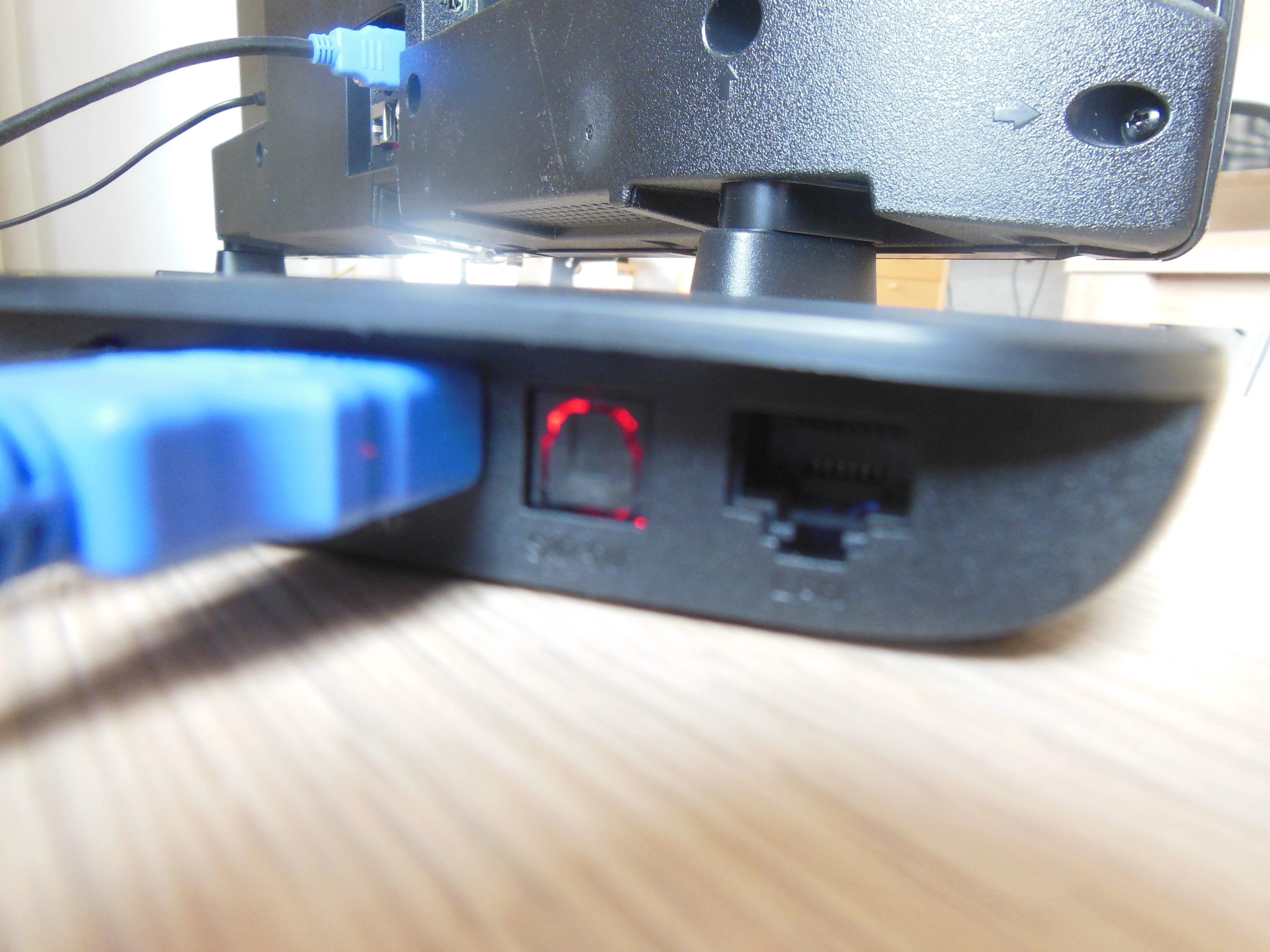
But, I believe that, this model only has the Power Connector, Ethernet, HDMI, Audio Optics, and USB ports, righ? If you have the Optical Audio output, you can use it with an Optical to AUX (3.5mm) Converter...

But, I suggested, check the available exit ports on your TV, because if you have an "AUX OUT"/"HEADFONE OUT"/"AUDIO OUT" port, you only need to use an AUX cable (3.5mm) It will be easier to arrange and install. Same as the image  >

Hearing your TV's audio, and consequently also your MEOBox (when you're watching it on your TV) on your Radio.


Forum|alt.badge.img
  • Autor
  • Principiante
  • August 24, 2026

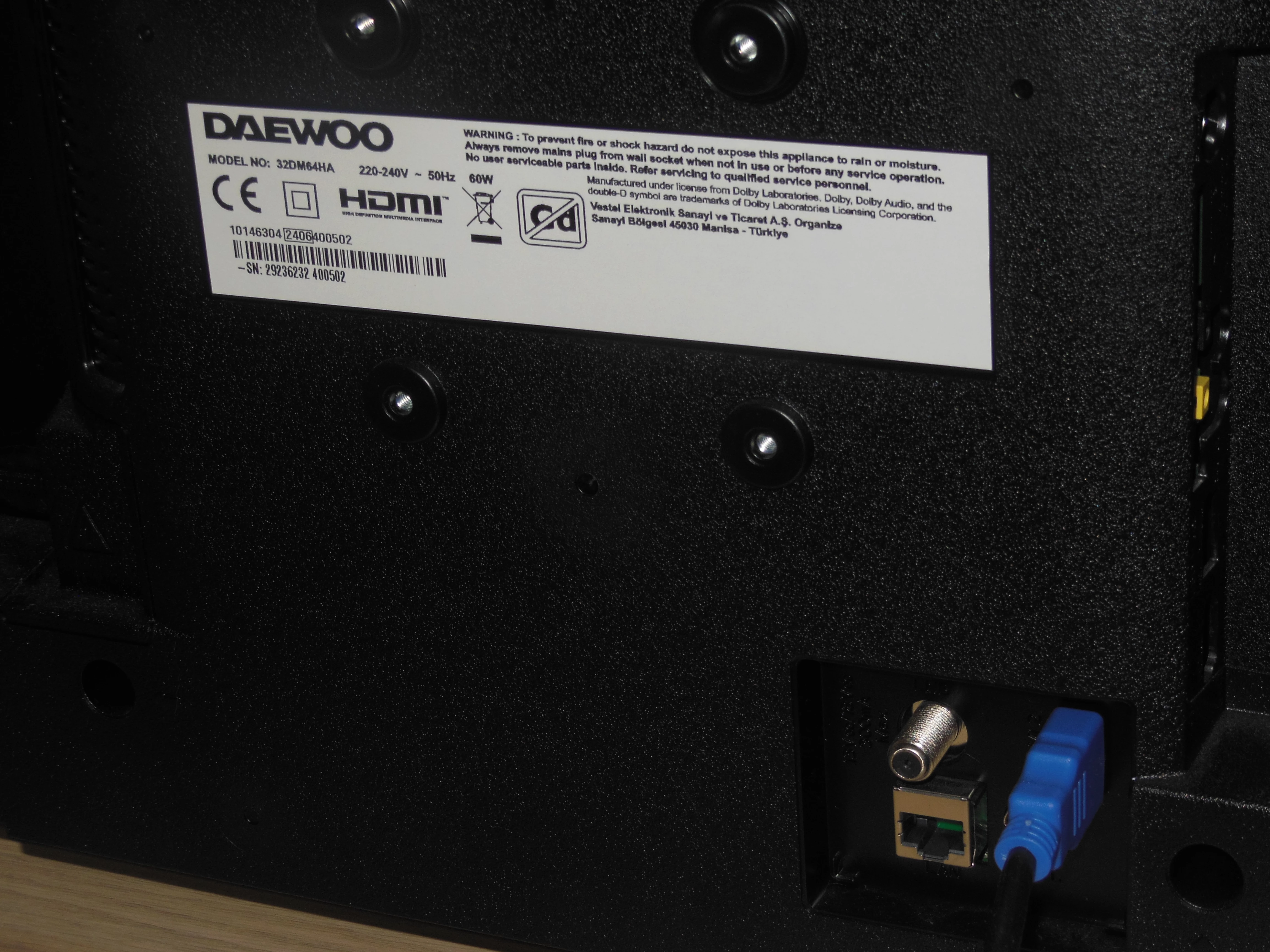
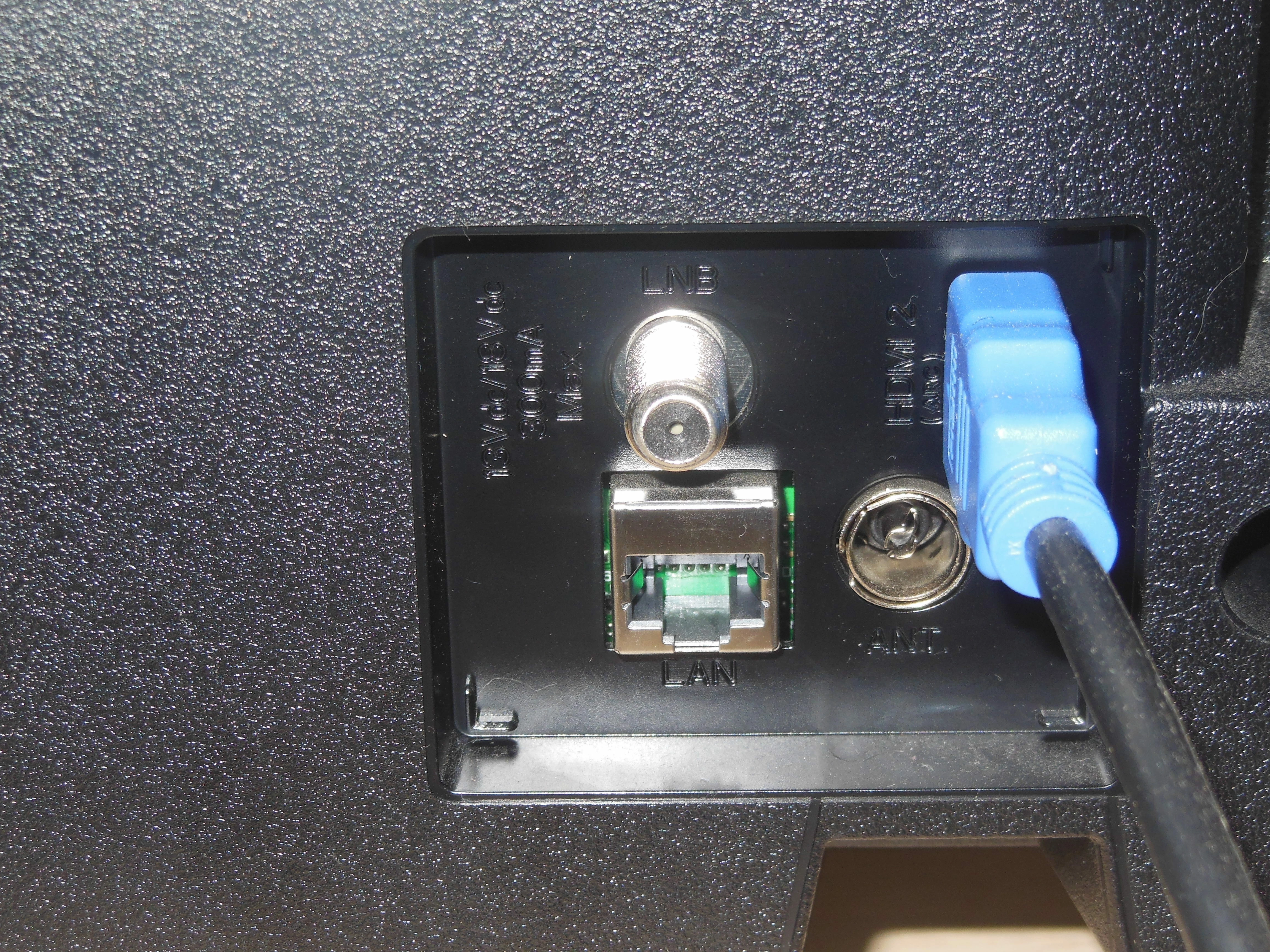
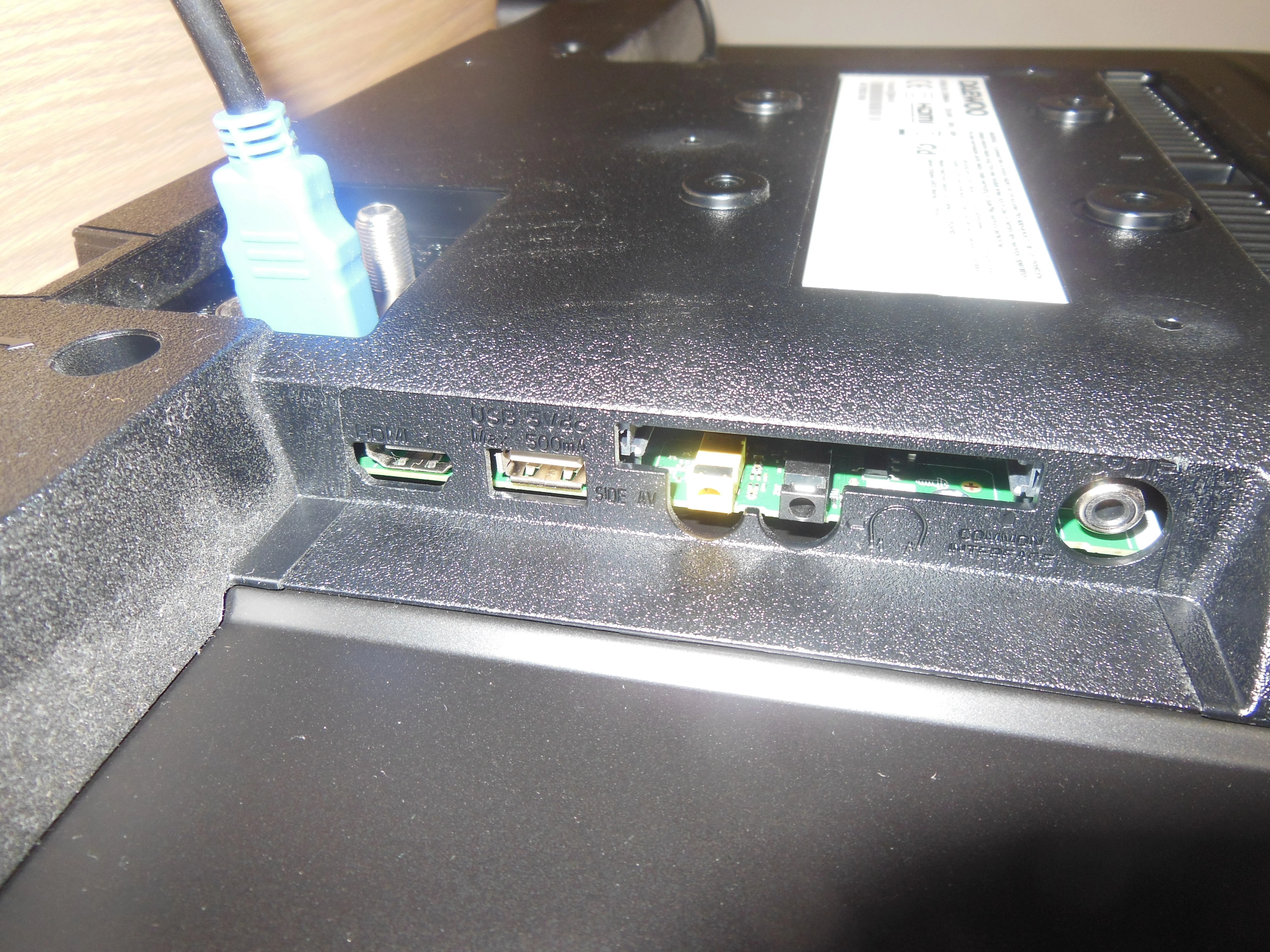
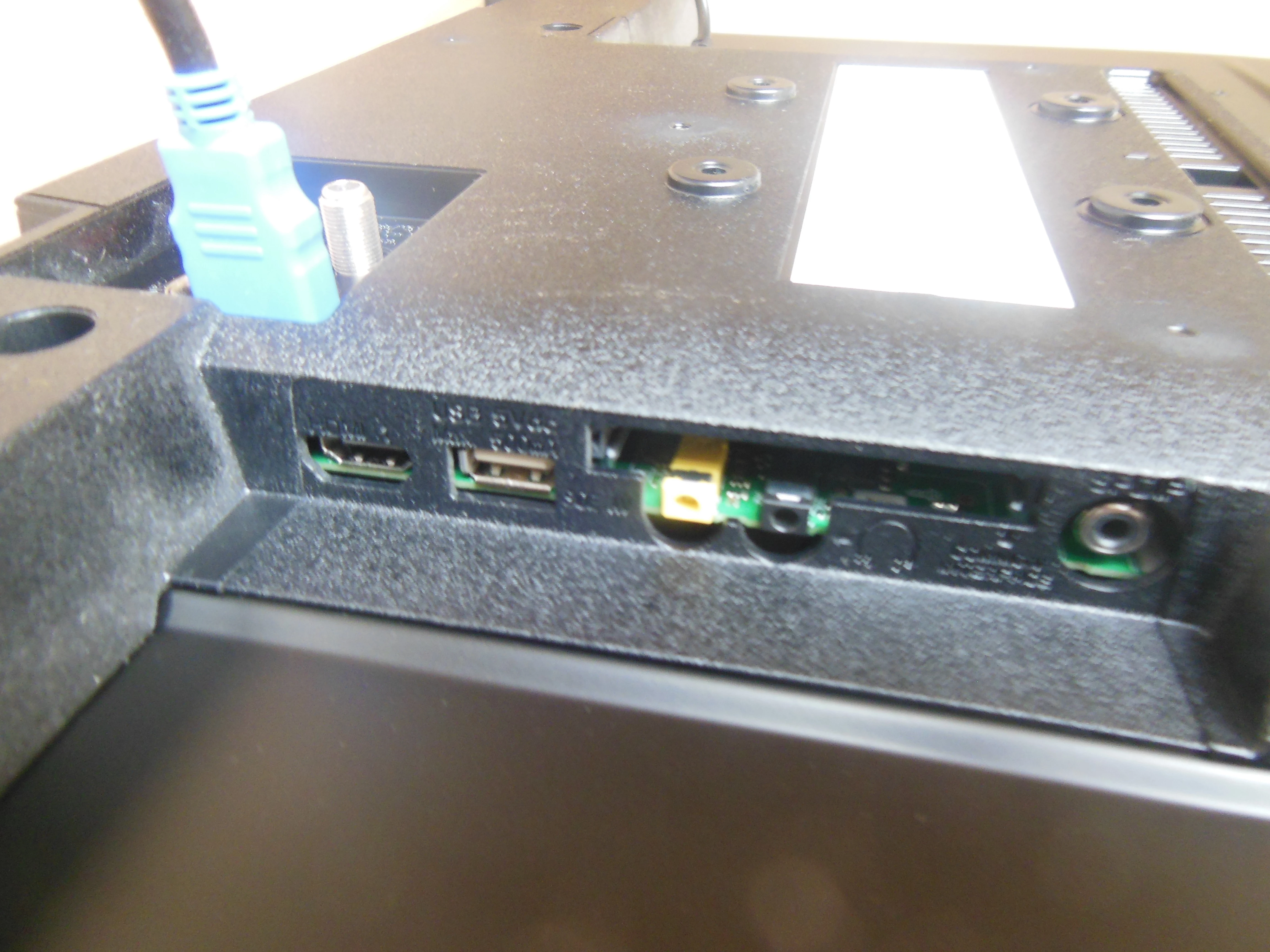
Thank you for your answer. I attach photos of my MEO box and my television set. Can I connect the radio to the television set and get it to work when the television is off? Thank you.


Rafa_UserFiberMEO
Super User
Forum|alt.badge.img+24

Hi Again ​@geoniel 

You can use an AUX cable (3.5mm) the same as the Image I Shared Above Connected on the "Hearphone" Door of your TV and the "AUX IN" Door of your Radio. 

But there is the situation that the TV will have to be connected, with the Scorce of MEOBox, for the Sound of the same to be sent to the Radio by this Method. But if your TV has the functionality of "Screen Off" or "Sound Only" you can activate it for the TV screen to be turned off and the sound to be sent to your Radio. 


If you want to transmit your MEOBox's audio directly to the radio, you can always use two options:

- Use an Optical Audio Cable Converter, which you can connect to the "S/P DIF" port of your Box, to AUX (3.5mm), to connect to the "AUX IN" port of your Radio;

- Or you can even use a Bluetooth AUX Kit (3.5mm) that can be installed on the back of your radio in the "AUX IN" port and Bluetooth connect your MEOBox (or even other equipment).


Forum|alt.badge.img
  • Autor
  • Principiante
  • August 24, 2026

Thank you for your replies. Can MEO provide the cables or do I need to buy them in a shop? Thanks.


Rafa_UserFiberMEO
Super User
Forum|alt.badge.img+24

Hi Again ​@geoniel 

MEO does not provide these Cables and/or Converters, nor does it have them for sale in its Online or Physical Store. You will have to Buying in a third Store (Online or Physical) of Your Choice.